Nifty 50
- Bajaj Finance₹942.1016.10 (1.74%)
- HDFC Life Insurance ₹522.05-17.60 (-3.26%)
- Cipla₹1,330.9016.90 (1.29%)
- Nestle₹1,185.20-38.70 (-3.16%)
- UltraTech Cement₹10,958109.00 (1.00%)
- Eternal₹304.45-7.90 (-2.53%)
- ICICI Bank₹1,398.5013.50 (0.97%)
- Tata Motors PV₹270-5.70 (-2.07%)
- Bajaj Auto₹10,15583.00 (0.82%)
- Reliance Industries₹1,184.50-24.50 (-2.03%)
- Sun Pharmaceutical₹1,75812.90 (0.74%)
- HDFC Bank₹694.05-12.90 (-1.82%)
- SBI₹9707.00 (0.73%)
- Bharat Electronics₹364.50-6.70 (-1.80%)
- BSE₹3,26516.70 (0.51%)
- Adani Enterprises₹2,550-44.50 (-1.72%)
- Bharti Airtel₹1,8953.30 (0.17%)
- Trent₹2,775.80-46.20 (-1.64%)
- Axis Bank₹1,2122.00 (0.17%)
- Asian Paints₹2,284.80-34.60 (-1.49%)

- Offerings
- Tools & Platforms
Tools & Calculators
- Open API
- Calculators
- SIP Calculator
- CAGR Calculator
- Compound Interest Calculator
- FD Calculator
- RD Calculator
- EPF Calculator
- Retirement Calculator
- HDFC SIP Calculator
- Mutual Fund Return Calculator
- Lumpsum Calculator
- Step Up SIP Calculator
- ETF SIP Calculator
- Brokerage Calculator
- Equity Margin Calculator
- SWP Calculator
- EMI Calculator
- MTF Calculator
- Margin Pledge Calculator
- Algo Strategy
- Markets
Stocks
F&O
Mutual Funds
- More
Getting Started with the HDFC SKY API in Python
By HDFC SKY | Published at: Oct 22, 2026 05:07 PM IST
Open Free Demat Account
Open Free Demat Account
Python is one of the most popular programming languages for building applications and automating tasks. Its simple syntax and extensive library support make it a preferred choice for developers working with APIs. If you want to integrate your application with HDFC SKY, Python provides a simple way to authenticate your application and communicate securely with the platform. This guide explains how to get started with the HDFC SKY API in Python using clear, step-by-step instructions.
Why Use Python with the HDFC SKY API?
Before you begin, it is helpful to understand why Python is widely used for API integration. HDFC SKY Open APIs use standard HTTP requests, making them easy to work with in Python.
The requests library allows developers to send API requests and receive responses without requiring a specialised SDK. Python’s simple syntax also makes it easier for beginners to learn while providing the flexibility needed to build more advanced applications.
Python offers several advantages when working with the HDFC SKY API:
- Simple and easy-to-read syntax.
- Easy integration with REST APIs using the requests library.
- A wide range of libraries for application development.
- Rapid application development.
- Suitable for both beginners and experienced developers.
These advantages make Python a practical choice for building trading applications, portfolio trackers, and market analysis tools.
What Do You Need Before You Begin?
Before connecting your Python application with the HDFC SKY API, make sure you have the following:
- An active HDFC SKY trading account
- Access to the HDFC SKY Developer Portal
- A registered Trading API application
- Your API Key and API Secret
- Python installed on your computer
- The Python requests library for making HTTP requests
Once these requirements are ready, you can begin the integration process.
How does the HDFC SKY API Workflow Work?
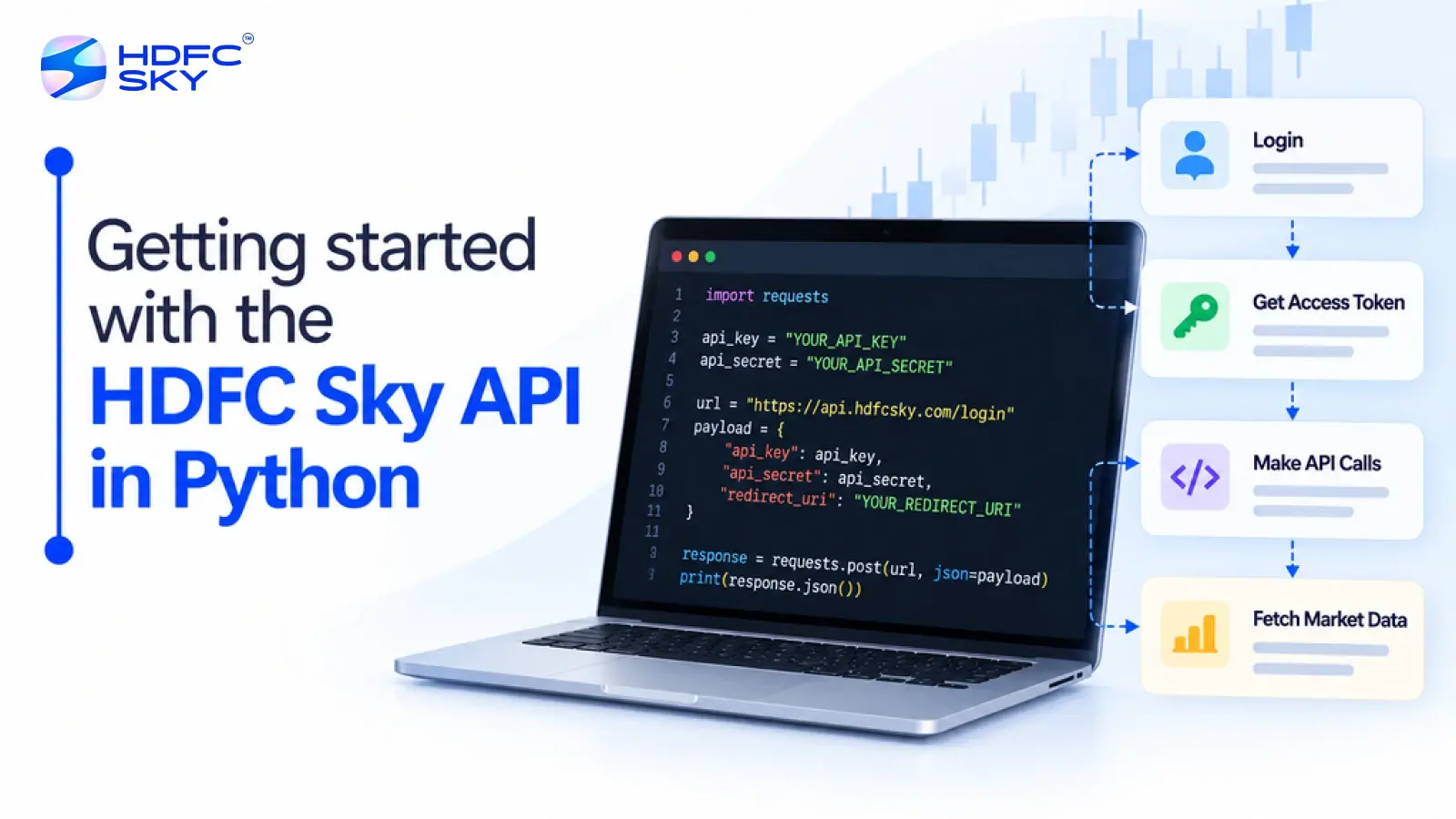
Before writing your first Python program, it is useful to understand how the HDFC SKY API workflow operates. The process follows a secure authentication sequence that allows your application to communicate with the platform.
- Register Your Application
Start by logging in to the HDFC SKY Developer Portal and creating a new Trading API application. Once the application is created, HDFC SKY provides an API Key and API Secret. These credentials identify your application during authentication. - Authenticate the User
After creating the application, redirect the user to the HDFC SKY login page using your API Key. The user signs in using their HDFC SKY trading credentials and completes the mandatory OTP verification.
Once the user successfully authenticates and authorises the application, HDFC SKY redirects the browser to the registered Redirect URL with a temporary Request Token. Your application uses this token to generate the Access Token. - Generate the Access Token
The Request Token is exchanged for an Access Token by sending the API Key, API Secret, and Request Token to the HDFC SKY access token endpoint.
The Access Token is required for all authorised API requests.
Also Read: Benefits of Algo Trading: Why More Traders Are Choosing Automated Trading
Installing the Required Python Library
Before sending API requests, install the required Python library.
Run the following command:
pip install requests
The requests library allows your Python application to send HTTP requests and receive responses from the HDFC SKY APIs.
Making Your First Authentication Request
Once you have your API credentials, you can use Python to request an Access Token. The following example demonstrates the authentication request.
import requests
api_key = “YOUR_API_KEY”
api_secret = “YOUR_API_SECRET”
request_token = “YOUR_REQUEST_TOKEN”
url = “https://developer.hdfcsky.com/sky-docs/docs/token_id_fe”
headers = {
“User-Agent”: “PythonClient”
}
payload = {
“api_secret”: api_secret
}
params = {
“api_key”: api_key,
“request_token”: request_token
}
response = requests.post(
url,
headers=headers,
params=params,
data=payload
)
print(response.json())
The example follows the authentication flow described in the HDFC SKY developer documentation. It sends the API Key, API Secret, and Request Token to the access token endpoint to generate an Access Token.
If the request is successful, HDFC SKY returns a JSON response containing the Access Token, which your application can use for authorised API requests.
Understanding the Python Code
If you are new to Python, it helps to understand what each part of the code does.
- Import the Requests Library
The requests library allows Python to communicate with REST APIs. - Define Your Credentials
Replace the placeholder values with your own API Key, API Secret, and Request Token generated during authentication. - Specify the API Endpoint
The endpoint identifies where the authentication request is sent. - Send the Request
The requests.post() function sends the authentication request to HDFC SKY. - Read the Response
The response is returned in JSON format. If the authentication is successful, it contains the Access Token required for future API requests.
What Can You Do After Authentication?
Once authentication is complete and a valid Access Token has been generated, your application can access the HDFC SKY APIs that the user has authorised.
Depending on the APIs available for your application and the permissions granted during authentication, you can perform the following tasks:
- Place, modify, and cancel trading orders using the Trading API.
- Track open trading positions through the Position API.
- View investment holdings using the Holding API.
- Access market data for prices and market insights, where available.
- Receive live market updates through WebSocket connections, where supported.
These APIs allow developers to build applications that simplify investing and portfolio management.
Things to Keep in Mind
A few simple practices can help you complete the integration successfully.
- Ensure that your application is active before generating authentication credentials.
- Complete the authentication process before making API requests.
- Keep your API Key and API Secret confidential.
- Verify that your Redirect URL matches the one registered on the Developer Portal.
- Use a valid Access Token for all authorised API requests.
Following these steps can help you avoid common authentication and integration issues.
Conclusion
Getting started with the HDFC SKY API in Python is straightforward once you understand the authentication workflow. After creating your application, obtaining your API credentials, and generating an Access Token, you can begin interacting with the authorised APIs. Python’s simplicity, combined with the HDFC SKY Open APIs, makes it easier to build applications that securely connect with trading and investment services.



Open Free Demat Account
Open Free Demat Account
Popular Posts
- 10 Interesting Facts About NSE You Probably Didn’t KnowLast Updated: Sep 30, 2026
- 8-4-3 Rule of SIP - How Does That Work?Last Updated: Jul 30, 2025
- Let's view more exciting Post!
Popular Post from Trading Strategies
- HDFC SKY API Authentication and Login Flow ExplainedLast Updated: Oct 22, 2026
- How to Connect HDFC SKY with Claude Desktop (Step-by-Step MCP Setup)Last Updated: Aug 28, 2026
- HDFC Sky + OpenAlgo: A Beginner's Guide to Setting Up a Self-Hosted Algo Trading SystemLast Updated: Aug 28, 2026
- HDFC SKY Open API: A Complete Guide to Building Smarter Investment and Trading ApplicationsLast Updated: Oct 22, 2026
- How to Generate Your HDFC SKY API Key and Access Token (Step-by-Step)Last Updated: Oct 22, 2026
- Let's view more exciting Post!
Popular Post from Blogs
- “Bounce Back” Theme Gains Traction in 2026Last Updated: Apr 8, 2026
- 5 Takeaways for Tax Payers from the Budget 2025Last Updated: Jan 29, 2026
- Let’s view more exciting Posts


Invest Anytime, Anywhere


By signing up I certify terms, conditions & privacy policy