Nifty 50
- Bharat Electronics₹39817.90 (4.71%)
- TCS₹2,436-63.10 (-2.52%)
- Adani Enterprises₹2,709.20115.90 (4.47%)
- HCL Technologies₹1,405-34.10 (-2.37%)
- Titan Company₹4,754.40192.40 (4.22%)
- Coal India₹399.65-8.35 (-2.05%)
- Jio Financial ₹222.278.00 (3.73%)
- BSE₹3,601.50-64.20 (-1.75%)
- Max Healthcare₹927.1531.65 (3.53%)
- Infosys₹1,128.20-19.90 (-1.73%)
- Shriram Finance₹908.7523.95 (2.71%)
- Eternal₹344.50-4.95 (-1.42%)
- Bajaj Finance₹99424.00 (2.47%)
- Kotak Mahindra Bank₹459.40-5.25 (-1.13%)
- Adani Ports₹1,91043.10 (2.31%)
- Asian Paints₹2,418.30-19.50 (-0.80%)
- InterGlobe Aviation₹5,140.80115.80 (2.30%)
- Tata Consumer ₹1,068-5.00 (-0.47%)
- Bajaj Finserv₹1,756.5038.40 (2.24%)
- Tech Mahindra₹1,783-6.10 (-0.34%)

- Offerings
- Tools & Platforms
Tools & Calculators
- Open API
- Calculators
- SIP Calculator
- CAGR Calculator
- Compound Interest Calculator
- FD Calculator
- RD Calculator
- EPF Calculator
- Retirement Calculator
- HDFC SIP Calculator
- Mutual Fund Return Calculator
- Lumpsum Calculator
- Step Up SIP Calculator
- ETF SIP Calculator
- Brokerage Calculator
- Equity Margin Calculator
- SWP Calculator
- EMI Calculator
- MTF Calculator
- Margin Pledge Calculator
- Algo Strategy
- Markets
Stocks
F&O
Mutual Funds
- More
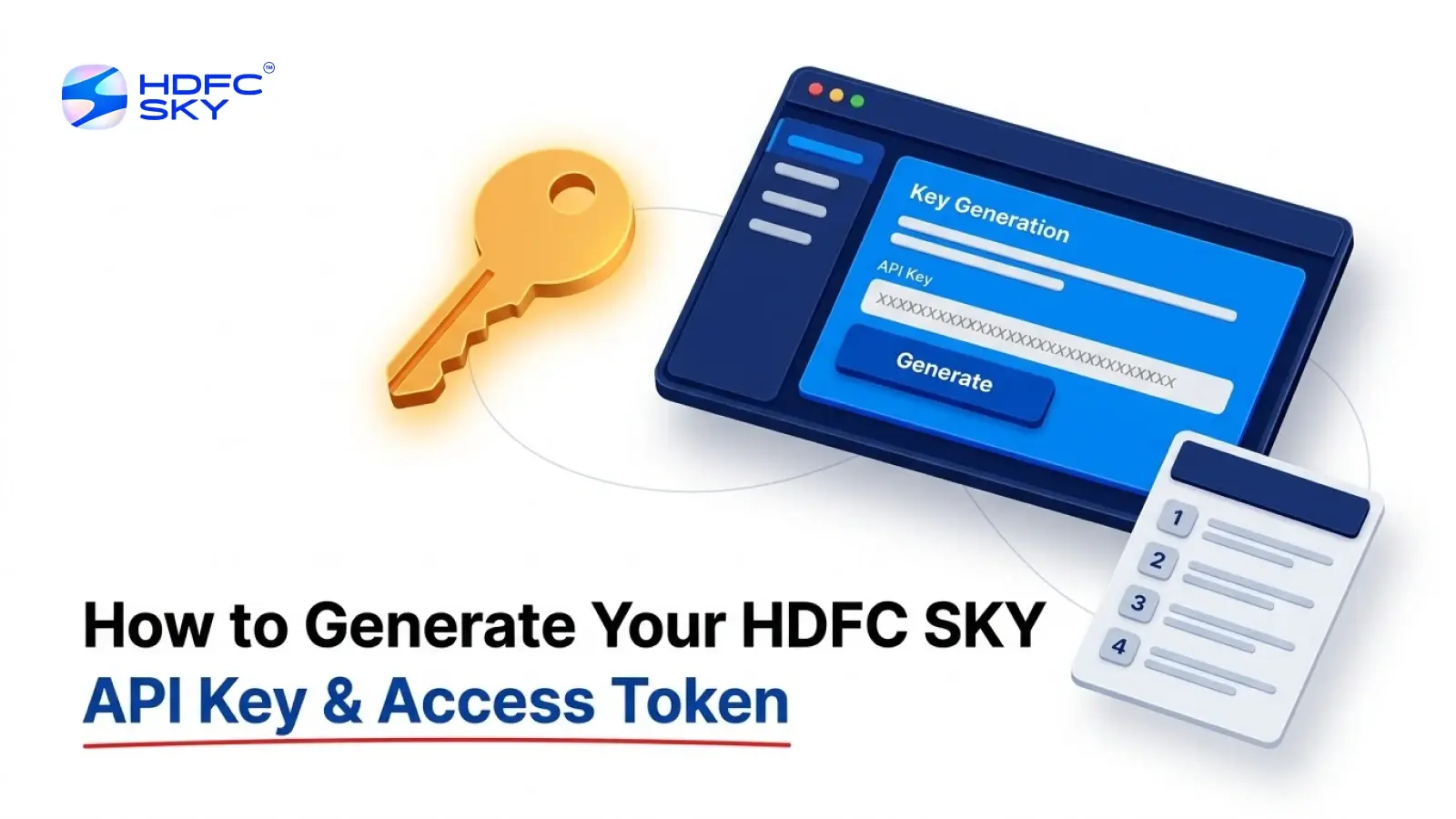
How to Generate Your HDFC SKY API Key and Access Token (Step-by-Step)
By HDFC SKY | Updated at: Oct 22, 2026 12:53 PM IST
Open Free Demat Account
To connect your application with HDFC SKY APIs, you first need an API Key and an Access Token. These credentials allow your application to communicate securely with the HDFC SKY platform. Although the process may seem technical, it becomes straightforward when broken down into simple steps. This guide explains how to generate your API credentials, what each credential does, and how they work together to enable secure API access.
What Are the API Credentials You Need?
Before you begin, it is helpful to understand the purpose of each credential. Together, they establish a secure connection between your application and the HDFC SKY platform.
-
API Key
The API Key is a unique identifier assigned to your algorithmic trading application when you create it on the HDFC SKY Developer Portal. It identifies your application whenever it sends a request to the platform.
-
API Secret
The API Secret is generated along with the API Key. It verifies your application’s identity during the authentication process. Since it acts as a confidential credential, you should keep it secure and avoid sharing it with others.
-
Request Token
The Request Token is a temporary credential generated after the user successfully logs in and authorises the application. It is used to generate the Access Token and cannot be used to access APIs directly.
-
Access Token
The Access Token is generated after the Request Token is successfully validated. It authorises your application to access the HDFC SKY APIs that the user has approved during authentication. Include the Access Token in the HTTP Authorisation header when making authorised API requests.
Why Do You Need an API Key and Access Token?
Each credential serves a different purpose during the authentication process. The API Key identifies your application, while the API Secret verifies its identity. The Request Token confirms that the user has successfully authenticated and authorised the application. Finally, the Access Token allows your application to securely access the authorised HDFC SKY APIs.
Together, these credentials help ensure that only authorised applications can interact with a user’s trading account.
What You Need Before You Begin
Before generating your API key and access token, make sure you have the following:
- An active HDFC SKY trading account
- Access to the HDFC SKY Developer Portal
- Your registered email address or mobile number
- Access to receive OTPs for verification
- A redirect URL for your application
- Static IP details, if required
Having these details ready will help you complete the setup without interruptions.
Step-by-Step Guide to Generate Your HDFC SKY API Key and Access Token
Follow the steps below to generate your credentials.
Step 1: Log in to the HDFC SKY Developer Portal
Visit the HDFC SKY Developer Portal and click Login. Sign in using your HDFC SKY Client ID, registered email address, or mobile number.
After entering your credentials, verify your identity using the One-Time Password (OTP) sent to your registered mobile number or email address. Once verification is complete, you will be logged in to the developer dashboard.
Step 2: Create a New Application
After logging in, click My Apps from the top navigation menu. Next, click the + Create button to open the application registration form.
You will need to provide a few details, including:
- Application name
- Redirect URL
- Static IP details (where applicable)
Review the information carefully before submitting the form. Once everything is complete, click Create.
Step 3: Generate Your API Key and API Secret
After creating the application, return to the My Apps page. Check that the application status shows Active.
You can now view and copy your:
- API Key
- API Secret
Store these credentials securely. Your application will use them whenever it communicates with HDFC SKY. Do not share these credentials publicly or include them in client-side code.
Step 4: Generate the Request Token
The next step is to authenticate the user. Open your browser or redirect users to the HDFC SKY login page using your API key. Users must log in using their HDFC SKY trading credentials.
After logging in, they need to complete the required two-factor authentication (2FA) process. Once authentication is successful, users must accept the required authorisation request.
After approval, HDFC SKY redirects the user to the registered redirect URL. The redirect URL contains the Request Token as one of its parameters. Your application should capture and securely store this request token for the next step.
Step 5: Exchange the Request Token for an Access Token
The request token cannot be used directly to access APIs. Instead, your server must send a request to the HDFC SKY access token endpoint. The request should include:
- API Key
- API Secret
- Request Token
If the request is successful, HDFC SKY returns a JSON response containing the access token. Your application should extract and securely store this access token.
Step 6: Use the Access Token
Once generated, include the access token in the Authorisation header of every API request. This token allows your application to:
- Place trading orders
- View portfolio information
- Access holdings
- Retrieve position details
- Fetch market data (where available)
Without a valid access token, API requests will not be authenticated.
Things to Remember
Before generating your API credentials, keep the following points in mind:
- Register your application on the HDFC SKY Developer Portal before starting the authentication process.
- Ensure that the Redirect URL entered during application creation is correct.
- Complete the OTP verification to generate the Request Token.
- Keep your API Key and API Secret confidential.
- Generate the Access Token only after successfully obtaining the Request Token.
Following these steps will help you complete the authentication process smoothly.
Conclusion
Generating your HDFC SKY API Key and Access Token is the first step towards integrating your application with HDFC SKY APIs. By understanding the purpose of each credential and following the authentication process carefully, you can establish a secure connection between your application and the platform. Once the setup is complete, your application can securely access the APIs that the user has authorised.



Open Free Demat Account
Popular Posts
- 10 Interesting Facts About NSE You Probably Didn’t KnowLast Updated: Sep 30, 2026
- 8-4-3 Rule of SIP - How Does That Work?Last Updated: Jul 30, 2025
- Let's view more exciting Post!
Popular Post from Blogs
- “Bounce Back” Theme Gains Traction in 2026Last Updated: Apr 8, 2026
- 5 Takeaways for Tax Payers from the Budget 2025Last Updated: Jan 29, 2026
- Let’s view more exciting Posts
Invest Anytime, Anywhere


By signing up I certify terms, conditions & privacy policy