Nifty 50
- Bajaj Finance₹1,07076.00 (7.65%)
- Apollo Hospitals₹8,371-228.50 (-2.66%)
- Shriram Finance₹96455.25 (6.08%)
- ONGC₹230-5.00 (-2.13%)
- Mahindra & Mahindra₹3,127.50165.60 (5.59%)
- NTPC₹316.70-5.25 (-1.63%)
- Maruti Suzuki₹12,652657.00 (5.48%)
- Coal India₹394.30-5.35 (-1.34%)
- Tata Motors PV₹293.7015.20 (5.46%)
- Adani Ports₹1,884.60-25.40 (-1.33%)
- InterGlobe Aviation₹5,420279.20 (5.43%)
- Bharat Electronics₹395.10-2.90 (-0.73%)
- ICICI Bank₹1,50075.90 (5.33%)
- Dr. Reddy's Labs₹1,366-8.00 (-0.58%)
- BSE₹3,790188.50 (5.23%)
- Bharti Airtel₹2,056.90-10.70 (-0.52%)
- Bajaj Finserv₹1,83578.50 (4.47%)
- ITC₹278.85-1.15 (-0.41%)
- Asian Paints₹2,523.80105.50 (4.36%)
- Power Grid Corp₹261.15-0.90 (-0.34%)

- Offerings
- Tools & Platforms
Tools & Calculators
- Open API
- Calculators
- SIP Calculator
- CAGR Calculator
- Compound Interest Calculator
- FD Calculator
- RD Calculator
- EPF Calculator
- Retirement Calculator
- HDFC SIP Calculator
- Mutual Fund Return Calculator
- Lumpsum Calculator
- Step Up SIP Calculator
- ETF SIP Calculator
- Brokerage Calculator
- Equity Margin Calculator
- SWP Calculator
- EMI Calculator
- MTF Calculator
- Margin Pledge Calculator
- Algo Strategy
- Markets
Stocks
F&O
Mutual Funds
- More
- Why Modify or Cancel an Order?
- What Do You Need Before You Begin?
- When Can You Modify an Order?
- What Can You Modify in an Order?
- How Does Order Modification Work?
- When Can You Cancel an Order?
- How Does Order Cancellation Work?
- Authentication Requirements
- Why Is Static IP Configuration Important?
- Good Practices for Order Management
- Conclusion
- Why Modify or Cancel an Order?
- What Do You Need Before You Begin?
- When Can You Modify an Order?
- What Can You Modify in an Order?
- How Does Order Modification Work?
- When Can You Cancel an Order?
- How Does Order Cancellation Work?
- Authentication Requirements
- Why Is Static IP Configuration Important?
- Good Practices for Order Management
- Conclusion
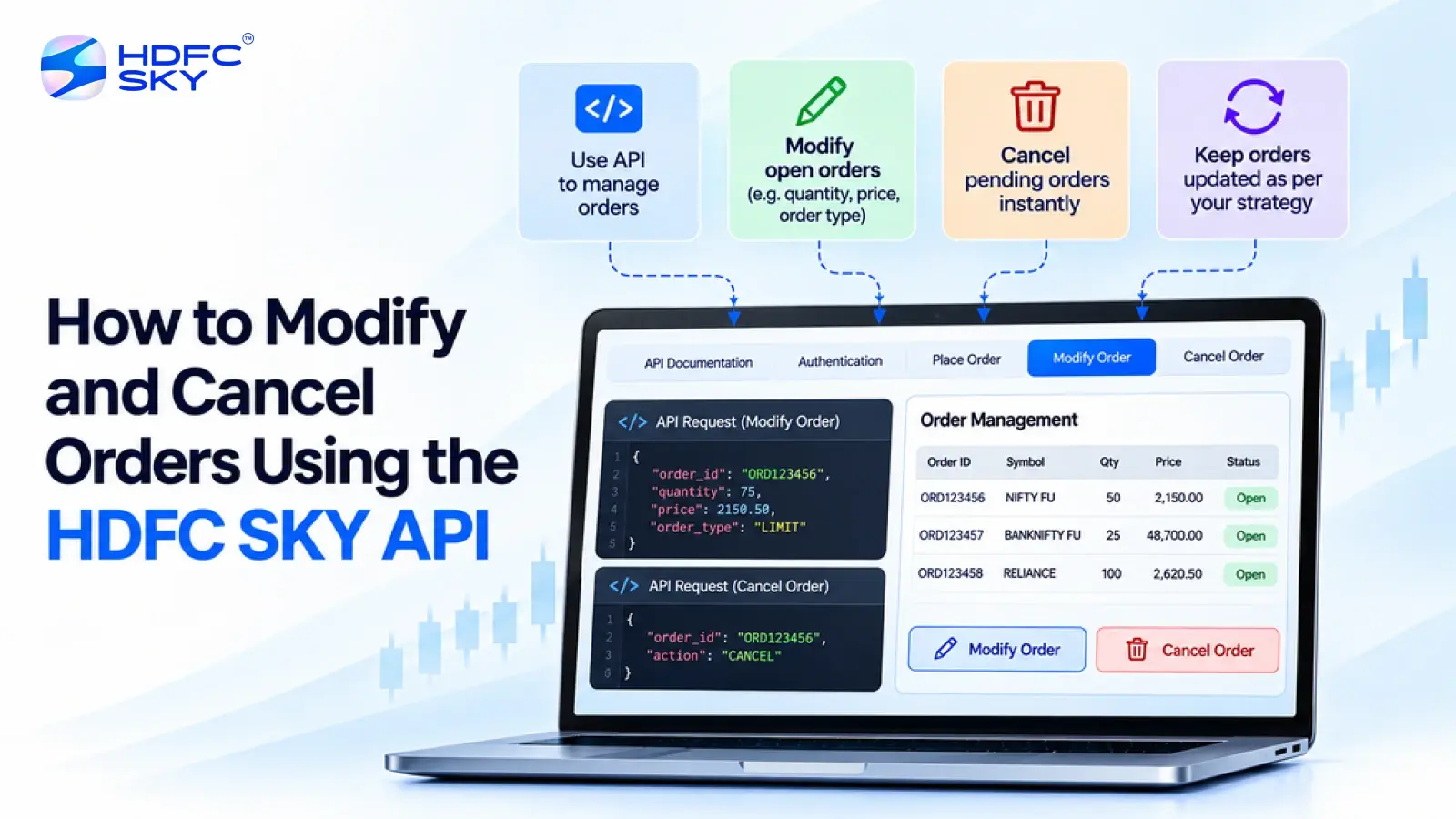
How to Modify and Cancel Orders Using the HDFC SKY API
By HDFC SKY | Published at: Nov 5, 2026 04:49 PM IST
Open Free Demat Account
After placing an order through the HDFC SKY API, you may need to update or cancel it before it is executed. This is common when market conditions change or your trading strategy needs adjustment. The HDFC SKY API allows developers to manage eligible orders programmatically, making applications more efficient and responsive. This guide explains how order modification and cancellation work, the conditions you need to meet, and the key points to remember before sending a request.
Why Modify or Cancel an Order?
Before learning the process, it is helpful to understand why these features are important. Not every order is executed immediately. If an order is still pending, you may want to change some of its details or cancel it altogether.
Common reasons include:
- Adjusting the order price based on market movements.
- Changing the order quantity.
- Updating the order validity, where supported.
- Cancelling an order that is no longer required.
Managing orders programmatically allows your application to respond quickly without requiring manual intervention.
What Do You Need Before You Begin?
Before modifying or cancelling an order, make sure your application meets the following requirements.
- Have an active HDFC SKY trading account.
- Register your application on the HDFC SKY Developer Portal.
- Generate your API Key and API Secret.
- Complete the authentication process and obtain a valid Access Token.
- Configure the required Static IP Address, where applicable, in accordance with exchange requirements.
- Have the unique order identifier for the order you want to modify or cancel.
Once these requirements are complete, your application can send authorised order management requests.
When Can You Modify an Order?
Not every order can be modified. In general, an order can only be modified while it is in a pending state. Once an order has been fully executed, cancelled, or rejected, it cannot be changed.
Before sending a modification request, your application should verify that the order is still eligible for modification.
Also Read: HDFC SKY API Rate Limits, Session Validity, and Token Management Explained
What Can You Modify in an Order?
If an order is eligible for modification, HDFC SKY allows certain order details to be updated.
Depending on the order type and exchange rules, you may be able to modify:
- Order price
- Order quantity
- Order validity
The fields that can be updated depend on the order’s current status and the applicable trading rules.
How Does Order Modification Work?
The modification process follows a simple sequence.
First, your application authenticates the request using a valid Access Token. It then identifies the pending order using its unique order identifier and sends the updated order details through the appropriate HDFC SKY Modify Order API.
If the request satisfies the required validation checks, the platform updates the order successfully.
When Can You Cancel an Order?
An order can only be cancelled if it has not been completely executed.
Generally, only active and unfilled pending orders are eligible for cancellation. If the order has already been fully executed or cancelled, the cancellation request will not succeed.
Your application should always verify the latest order status before attempting to cancel an order.
How Does Order Cancellation Work?
The cancellation process is straightforward.
Your application authenticates the request using a valid Access Token and sends the unique order identifier to the HDFC SKY Cancel Order API.
If the order is still eligible for cancellation, HDFC SKY processes the request and updates the order status accordingly.
Authentication Requirements
Every order management request must be properly authenticated.
Before modifying or cancelling an order, ensure that:
- Your Access Token is valid.
- Your API Key is associated with the application.
- The required authentication process has been completed.
- Your application uses the registered configuration required for API access.
Without valid authentication, the platform will not process the request.
Why Is Static IP Configuration Important?
For supported API integrations, HDFC SKY requires a registered Static IP Address as part of its exchange compliance requirements.
The registered Static IP helps identify authorised applications and provides an additional layer of security for API communication.
Before sending order management requests, verify that your application’s Static IP configuration matches the details registered in the Developer Portal.
Good Practices for Order Management
Following a few simple practices can help your application manage orders more reliably.
Before modifying or cancelling an order, remember to:
- Check the latest order status.
- Confirm that the order is still pending.
- Use a valid Access Token.
- Verify the order identifier before sending the request.
- Submit only the fields that need to be updated when modifying an order.
- Handle API responses appropriately within your application.
These practices can help reduce errors and improve the overall reliability of your application.
Conclusion
The HDFC SKY API makes it easier to manage eligible orders without manual intervention. By understanding when an order can be modified or cancelled, completing the required authentication, and following the documented API workflow, developers can build applications that manage orders securely and efficiently while providing a smoother trading experience for users.



Open Free Demat Account
Popular Posts
- 10 Interesting Facts About NSE You Probably Didn’t KnowLast Updated: Sep 30, 2026
- 8-4-3 Rule of SIP - How Does That Work?Last Updated: Jul 30, 2025
- Let's view more exciting Post!
Popular Post from Blogs
- “Bounce Back” Theme Gains Traction in 2026Last Updated: Apr 8, 2026
- 5 Takeaways for Tax Payers from the Budget 2025Last Updated: Jan 29, 2026
- Let’s view more exciting Posts


Invest Anytime, Anywhere


By signing up I certify terms, conditions & privacy policy