Nifty 50
- Bajaj Finance₹942.1016.10 (1.74%)
- HDFC Life Insurance ₹522.05-17.60 (-3.26%)
- ICICI Bank₹1,395.9010.90 (0.79%)
- Nestle₹1,185.20-38.70 (-3.16%)
- Bajaj Auto₹10,15078.00 (0.77%)
- Eternal₹304.55-7.80 (-2.50%)
- Sun Pharmaceutical₹1,75812.90 (0.74%)
- Tata Motors PV₹269.35-6.35 (-2.30%)
- SBI₹9707.00 (0.73%)
- Tech Mahindra₹1,800-34.70 (-1.89%)
- UltraTech Cement₹10,91869.00 (0.64%)
- HDFC Bank₹693.70-13.25 (-1.87%)
- L&T₹3,655.1019.10 (0.53%)
- Adani Enterprises₹2,547-47.50 (-1.83%)
- BSE₹3,264.9016.60 (0.51%)
- Trent₹2,771-51.00 (-1.81%)
- Cipla₹1,320.606.60 (0.50%)
- Hindustan Unilever₹1,817.60-32.60 (-1.76%)
- Apollo Hospitals₹7,62626.00 (0.34%)
- Bharat Electronics₹364.95-6.25 (-1.68%)

- Offerings
- Tools & Platforms
Tools & Calculators
- Open API
- Calculators
- SIP Calculator
- CAGR Calculator
- Compound Interest Calculator
- FD Calculator
- RD Calculator
- EPF Calculator
- Retirement Calculator
- HDFC SIP Calculator
- Mutual Fund Return Calculator
- Lumpsum Calculator
- Step Up SIP Calculator
- ETF SIP Calculator
- Brokerage Calculator
- Equity Margin Calculator
- SWP Calculator
- EMI Calculator
- MTF Calculator
- Margin Pledge Calculator
- Algo Strategy
- Markets
Stocks
F&O
Mutual Funds
- More
How to Execute an Iron Condor or Straddle from the Option Chain Basket on HDFC SKY
By HDFC SKY | Published at: Oct 22, 2026 03:05 PM IST
Open Free Demat Account
Open Free Demat Account
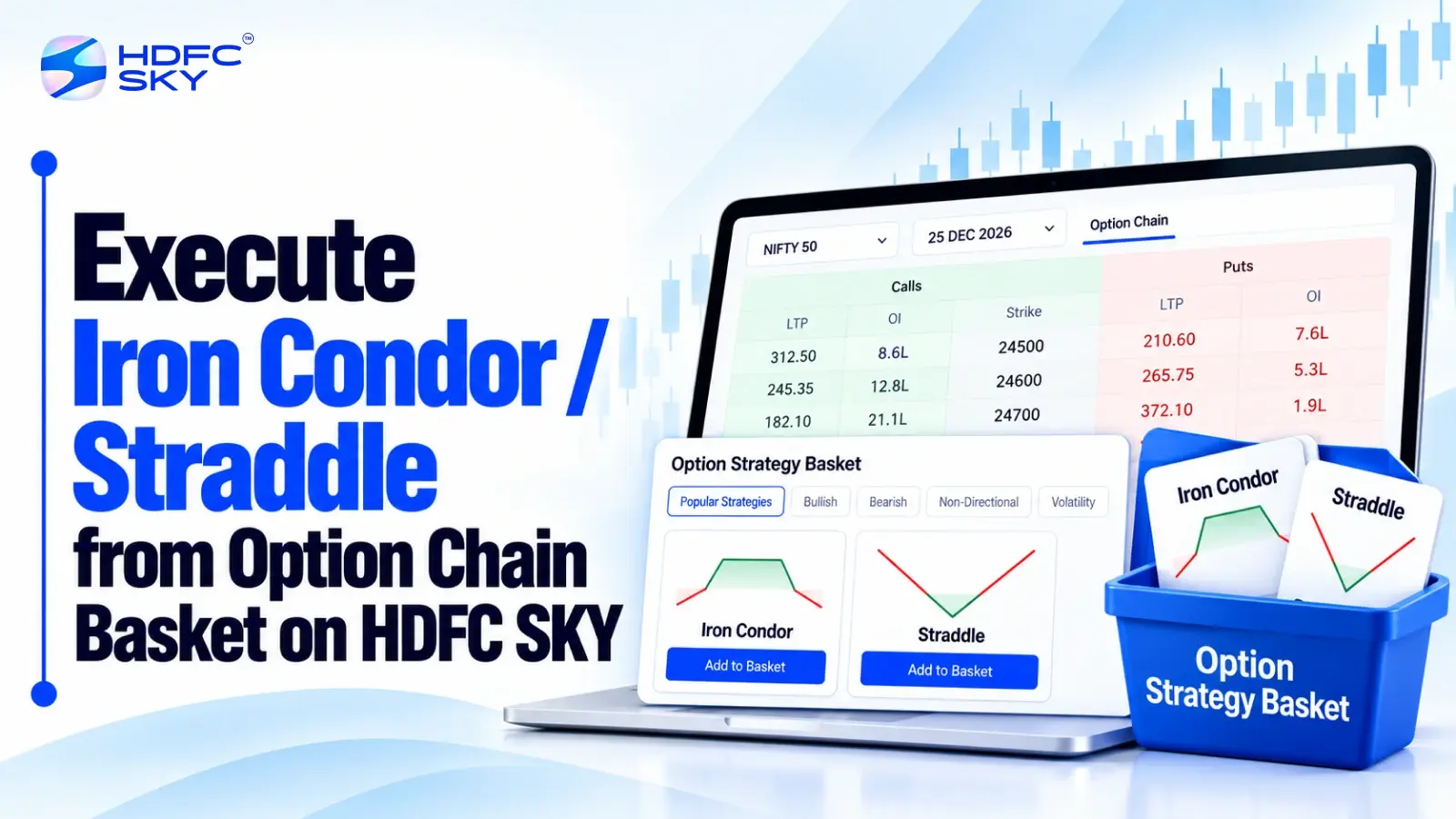
Building an options strategy can involve multiple contracts, strikes, and order actions. HDFC SKY’s Option Chain helps you view and select option contracts, while its Basket Order feature lets you group multiple orders. With HDFC SKY’s options trading tools, you can also analyse a strategy before execution. Here is how you can set up an Iron Condor or Straddle using these features.
How to Execute an Iron Condor from the Option Chain Basket
An Iron Condor uses four option legs. It combines a bull put spread with a bear call spread. A typical short Iron Condor sells an OTM put and an OTM call and buys further OTM puts and calls to limit the maximum loss.
The following steps show how you can organise these four legs through HDFC SKY.
- Open the Option Chain
Start by selecting the stock or index you want to trade. Open its Option Chain and choose the relevant expiry.
HDFC SKY provides an Option Chain for stocks and indices. You can view available strikes along with option data such as premium, open interest, and volume. - Select the Four Iron Condor Legs
Choose the four contracts that make up your Iron Condor. - Put side: Select an OTM put to sell.
- Put protection: Select a lower-strike OTM put to buy.
- Call side: Select an OTM call to sell.
- Call protection: Select a higher-strike OTM call to buy.
Keep the expiry consistent when building a standard Iron Condor. Also check the quantity and lot size for each leg before adding the orders. HDFC SKY’s Option Chain lets you select the required option and choose the Buy or Sell action during order entry. - Add Each Leg to the Basket
Once you select a contract, enter the required order details and add it to your basket. Repeat the process for all four legs. KART allows multiple orders to sit in the same basket, so you can keep the four Iron Condor legs together before execution. HDFC SKY states that KART can contain up to 20 orders.
This gives you one place to review the complete strategy instead of managing each leg through separate order entries. - Review and Analyse the Strategy
After adding the legs, review the complete basket. HDFC SKY’s options tools provide strategy-building and analysis features that can help you assess the setup before execution. Review the payoff and strategy summary information available for the position.
HDFC SKY’s Options Analyser also provides information such as maximum risk, maximum profit, and breakeven point for selected F&O positions. Use this stage to confirm that the four selected legs create the Iron Condor structure you intended. - Check the Margin and Place the Basket
Review the order details and required margin before execution. HDFC SKY’s KART workflow shows the required margin before you place the basket.
Check the following before confirming:Underlying
Expiry
Four strike prices
Call or put
Buy or Sell action
Quantity
Order type
Required margin
Once you complete the review, place the basket. - Track the Orders
After placing the basket, check the order status from the Orders section. HDFC SKY allows users to view KART orders from the Orders section. If an order fails, the platform also provides a retry option.
Do not assume that adding four legs to a basket means every order has completed successfully. Check the status of the individual orders after placement.
How to Execute a Straddle from the Option Chain Basket
A standard Straddle uses two option legs at the same strike and expiry. A long Straddle involves buying a call and a put. A short Straddle involves selling both. HDFC SKY’s NXTOPTION platform specifically includes a Strategy Watch for Straddle and Strangle strategies.
Its Strategy Builder also lets users create or customise strategies and review the payoff and strategy summary. Here is how you can organise a Straddle through the Option Chain and Basket Order workflow.
- Open the Option Chain and Select the Expiry
Select the stock or index and open its Option Chain. Choose the expiry you want to work with. Then identify the strike you want to use for the Straddle. For a standard Straddle, both the call and put use the same strike and expiry. - Select the Call and Put Legs
Choose the two contracts required for your strategy. - For a Long Straddle:
Buy the call at the selected strike.
Buy the put at the same strike. - For a Short Straddle:
Sell the call at the selected strike.
Sell the put at the same strike.
The Buy or Sell action determines whether you create a long or short position. Review this carefully before adding each leg. - Add Both Legs to the Basket
Enter the required quantity and order details for each contract. Then add both orders to the basket. Make sure both legs use the same underlying, expiry, and strike for a standard Straddle. HDFC SKY’s Basket Order functionality lets traders group multiple orders for multi-leg F&O strategies. - Review the Combined Strategy
Open the basket and check both legs together. HDFC SKY’s options tools provide strategy-building and analysis features that can help you assess the combined position.
Review the available payoff and strategy summary information. Check that:
Both legs use the same strike.
Both legs use the same expiry.
You selected the correct Call and Put.
The Buy or Sell action is correct.
Quantities match your intended setup. - Check Margin and Execute
Review the required margin and all order details before placing the basket. Once you are satisfied with the setup, place the orders through the basket. You can then track the orders through the Orders section. HDFC SKY also provides a retry option if a KART order fails.
Also Read: Option Chain Basket Orders on the HDFC Sky App: Build Multi-Leg Strategies in One Go
How HDFC SKY’s NXTOPTION Tools Can Help
HDFC SKY’s NXTOPTION platform brings together several options tools, including an advanced Option Chain, Strategy Builder, Strategy Watch, options analytics and Basket Orders. These tools can support the planning, analysis and execution of multi-leg strategies.
- Strategy Watch for Straddles
NXTOPTION includes a Strategy Watch for Straddle and Strangle strategies. It provides live premium calculations for these strategies. This can help you monitor a Straddle setup without checking the two option legs separately. - Strategy Builder for Custom Setups
The Strategy Builder allows you to build ready-made strategies or customise your own. HDFC SKY says the tool provides payoff and strategy summary information. You can use this to review a multi-leg structure before placing the orders. - Option Chain for Contract Selection
The Option Chain provides the contract-level information needed to select your strikes and expiry. HDFC SKY highlights data such as option premium, open interest, volume, and Greeks through its options tools. This keeps contract selection and strategy planning within the same options trading workflow. - Basket Orders for Multi-Leg Execution
Once you select the required contracts, Basket Orders let you group the legs together. HDFC SKY describes Basket Orders as a way to execute multi-leg strategies in a single go. This can reduce repetitive order-entry steps when a strategy requires several contracts.
Iron Condor vs Straddle: What Changes in the Basket?
The two strategies differ mainly in their number of legs and option structure.
| Feature | Iron Condor | Straddle |
| Number of legs | Four | Two |
| Calls | Two | One |
| Puts | Two | One |
| Strike structure | Four different strikes in a standard setup | Same strike for both legs |
| Buy/Sell actions | Two buys and two sells | Both buy for a Long Straddle or both sell for a Short Straddle |
| Basket purpose | Groups all four legs | Groups both legs |
The basket workflow remains similar for both strategies. The main difference lies in the number of contracts, strike structure and Buy/Sell actions you select.
Risks to Keep in Mind
A Basket Order can simplify order management, but it does not remove the risks of options trading. Keep the following points in mind:
- Fast price movements: Option prices can change quickly, which can affect the value and execution of each leg.
- Different liquidity levels: Different option contracts can have different levels of trading activity, which may affect execution.
- Pending or failed orders: An order may remain pending or fail to execute, so check the status of each leg.
- Iron Condor risk: An Iron Condor has a defined risk structure, but the position can still lose money within its maximum risk limit.
- Short Straddle risk: A Short Straddle carries substantially higher risk because you sell both the call and put options.
- Final review: Check the complete strategy, required margin, and order status before and after execution.
Conclusion
HDFC SKY lets traders use the Option Chain to select contracts and KART to group multiple orders. You can build an Iron Condor with four legs or a Straddle with two, review the combined setup, check margin, and place the basket. HDFC SKY’s options tools also help analyse the strategy before execution.



Open Free Demat Account
Open Free Demat Account
Popular Posts
- 10 Interesting Facts About NSE You Probably Didn’t KnowLast Updated: Sep 30, 2026
- 8-4-3 Rule of SIP - How Does That Work?Last Updated: Jul 30, 2025
- Let's view more exciting Post!
Popular Post from Derivatives
- How to Set Up Scalper Mode on Web for Nifty & Bank Nifty OptionsLast Updated: Oct 22, 2026
- Scalper Mode Now on HDFC SKY Web: One-Click Trading for Fast MarketsLast Updated: Oct 22, 2026
- Automated F&O Market Nudges on HDFC SKY: Daily Signals Delivered to YouLast Updated: Oct 22, 2026
- Trade Directly from Charts on HDFC SKY: Place, Modify, and Track Orders Without Leaving the ChartLast Updated: Oct 22, 2026
- Option Chain Basket Orders on the HDFC Sky App: Build Multi-Leg Strategies in One GoLast Updated: Oct 22, 2026
- Let's view more exciting Post!
Popular Post from Blogs
- “Bounce Back” Theme Gains Traction in 2026Last Updated: Apr 8, 2026
- 5 Takeaways for Tax Payers from the Budget 2025Last Updated: Jan 29, 2026
- Let’s view more exciting Posts


Invest Anytime, Anywhere


By signing up I certify terms, conditions & privacy policy